English
 Español
 Português


USDT networks explained: TRC-20, ERC-20, BEP-20 and Polygon
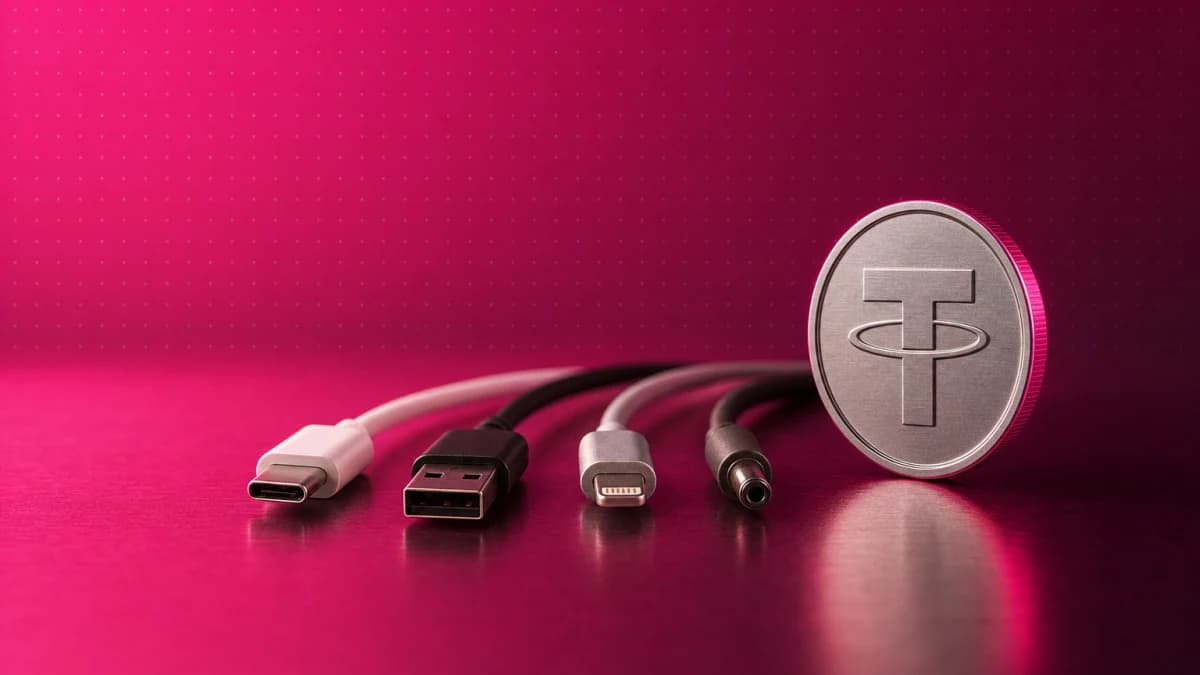
USDT is the same dollar-pegged stablecoin on every network, but each version lives on its own blockchain. TRC-20 is USDT on TRON, ERC-20 is USDT on Ethereum, BEP-20 is USDT on BNB Smart Chain, and Polygon has its own version. When you send USDT, the sending side and the receiving side must use the same network. If they do not, the transfer can be lost for good.
This guide explains why USDT runs on several networks, how the four most common ones compare, how to choose one, what happens after a wrong-network transfer and how to check a transfer before you send it. New to stablecoins? Start with our guide to what stablecoins are.
Why USDT runs on more than one network
USDT is a token, not a blockchain of its own. Tether issues it on several blockchains and publishes the official USD₮ contract for each one, for example on Ethereum and on TRON.1 The letters in names like ERC-20 or TRC-20 tell you which token standard USDT follows there, and so which blockchain it lives on:
- ERC-20 is the standard for fungible tokens on Ethereum: every token of one kind is exactly the same as another, in type and in value.2
- TRC-20 is the fungible token standard on TRON. It is fully compatible with ERC-20 at the interface level, which is why the names look alike.3
- BEP-20 is the token standard on BNB Smart Chain, derived from Ethereum’s ERC-20.4
- Polygon is an EVM-compatible blockchain anchored to Ethereum, so its tokens work like ERC-20 tokens.5
The four main USDT networks at a glance
| Network | Token standard | Address format | Fee paid in |
|---|---|---|---|
| TRON | TRC-20 | Starts with T (34 characters) | TRX, or TRON “Energy” |
| Ethereum | ERC-20 | Starts with 0x (42 characters) | ETH |
| BNB Smart Chain | BEP-20 | Starts with 0x, same format as Ethereum | BNB |
| Polygon | ERC-20 compatible | Starts with 0x, same format as Ethereum | POL |
Addresses. An Ethereum address has 42 characters: 0x followed by 40 hexadecimal characters.6 BNB Smart Chain is fully compatible with Ethereum7 and Polygon is EVM-compatible,5 so both use the same 0x format. A TRON address, as wallets and explorers show it, has 34 characters and starts with T.8
Fees. Each network charges its fee in its own coin. On Ethereum, the fee (called gas) is paid in ETH, and it goes up when there is a lot of demand.9 On TRON, a USDT transfer is a smart-contract call, so it uses a resource called Energy; when an account has too little Energy, TRX is burned to pay the rest.10 BNB Smart Chain charges its fees in BNB and describes them as cheaper than Ethereum’s.7 On Polygon, every transaction uses POL as the gas token,11 and Polygon says it reduces transaction costs compared with the Ethereum mainnet.5
Fees change all the time, so no network is always the cheapest. Before you confirm a transfer, check the fee that your wallet or exchange shows.
Which USDT network should you choose?
The right network is the one that both sides support. Start from the receiving side, because it decides which networks it accepts:
- Open the deposit screen where the USDT will arrive and see which networks it lists.
- Pick a network that the sending side also offers.
- If more than one network works, compare the fees that both sides show at that moment.
If you send from a self-custody wallet, that wallet also needs the network’s own coin to pay the fee: TRX on TRON,10 ETH on Ethereum,9 BNB on BNB Smart Chain7 or POL on Polygon.11 Without it, your USDT cannot move. When you withdraw from an exchange, the exchange sends the transfer for you and usually charges a withdrawal fee, which it shows before you confirm.
What happens if you send USDT on the wrong network?
A crypto transfer cannot be canceled once it is sent. As the U.S. Federal Trade Commission puts it, crypto payments typically are not reversible, and you can usually only get your money back if the person you paid sends it back.12 What happens next depends on where the USDT went:
- To a network the receiver does not support. The USDT is on the blockchain, but the receiver’s account does not see it. An exchange may or may not be able to recover it, and it may charge for the attempt.
- To your own self-custody wallet, on the wrong 0x network. Because Ethereum, BNB Smart Chain and Polygon use the same address format, the same address exists on all three. If you control the keys, adding the network you used to your wallet often shows the funds. You still need that network’s coin to move them.
- To someone else’s address. Nobody can reverse it.
Two simple checks prevent most of these losses. First, a wallet will usually refuse a TRON address (T…) on an Ethereum-type network, but it will accept a 0x address on any of the three 0x networks, so the network name is the check that matters. Second, a small test transfer shows that the network and the address are right before you send the full amount.
Checklist: before you send USDT
- Check the network on the receiving side first. Note its exact name, for example “TRON (TRC-20)”.
- Choose the same network on the sending side. Do not go by the coin name alone: “USDT” appears on every network.
- Copy and paste the address — never type it — and check the first, middle and last characters.
- Check the fee and the minimum. Make sure the amount is above the minimum deposit, and that a self-custody wallet holds the network’s coin for the fee.
- Send a small test amount and wait until it arrives.
- Then send the rest, to the same address on the same network.
Good to know: who issues USDT on each network
Tether’s own list of supported blockchains gives an official USD₮ contract for Ethereum and for TRON. For BNB Smart Chain it lists only Tether Gold (XAU₮), and Polygon is not on the list.1 On Polygon, USDT was upgraded to USDT0, which Polygon calls “the omnichain deployment of USDT”; users did not need to do anything. Before the upgrade, USDT reached Polygon through a bridge.15
In practice, exchanges and wallets usually list it simply as USDT, with the network name next to it. For a transfer, what matters does not change: the sending side and the receiving side must use the same network.
Frequently asked questions
Is USDT TRC-20 the same as USDT ERC-20?
It is the same stablecoin and is meant to be worth the same, but the two versions live on different blockchains: TRON and Ethereum. You cannot send TRC-20 USDT to an ERC-20 address, or the other way around.
Which USDT network has the lowest fees?
It changes with demand. Ethereum fees go up when the network is busy, BNB Smart Chain and Polygon describe themselves as cheaper than Ethereum, and TRON fees depend on Energy. Compare the fees that your wallet or exchange shows before you confirm.
Can I change USDT from TRC-20 to ERC-20?
Not with a direct transfer. The usual way is a platform that supports both networks: you deposit on one network and withdraw on the other. Check both networks and the fees before you start.
What happens if I send USDT on the wrong network?
Crypto transfers cannot be reversed. If the receiver does not support that network, the funds may be lost. If you sent them to your own self-custody wallet on another 0x network, you can often reach them by adding that network to your wallet.
Do I need TRX or ETH to send USDT?
From a self-custody wallet, yes: each network charges its fee in its own coin — TRX on TRON, ETH on Ethereum, BNB on BNB Smart Chain and POL on Polygon. When you withdraw from an exchange, the exchange pays the network fee and usually charges a withdrawal fee instead.
Related guides: cold wallet vs hot wallet · how crypto exchanges work
Risk warning. Crypto assets are volatile and carry risk. Crypto transfers are irreversible, and USDT sent on the wrong network may not be recoverable. Stablecoins aim to hold their value but can lose their peg. This article is for educational purposes only and is not financial, investment or legal advice.
Sources
- Tether, "Supported Protocols." https://tether.to/en/supported-protocols/ ↩
- Ethereum.org, "ERC-20 Token Standard." https://ethereum.org/developers/docs/standards/tokens/erc-20/ ↩
- TRON Developer Hub, "TRC-20." https://developers.tron.network/docs/trc20 ↩
- BNB Chain, "BEP-20: Tokens on BNB Smart Chain" (BEP-20 specification). https://github.com/bnb-chain/BEPs/blob/master/BEPs/BEP20.md ↩
- Polygon Developer Docs, "Polygon Chain overview." https://docs.polygon.technology/pos/overview ↩
- Ethereum.org, "Ethereum accounts." https://ethereum.org/developers/docs/accounts/ ↩
- BNB Chain documentation, "Introduction – BSC Develop." https://docs.bnbchain.org/bnb-smart-chain/introduction/ ↩
- TRON Developer Hub, "Accounts and keys." https://developers.tron.network/docs/account ↩
- Ethereum.org, "Ethereum gas and fees: technical overview." https://ethereum.org/developers/docs/gas/ ↩
- TRON Developer Hub, "Resource Model." https://developers.tron.network/docs/resource-model ↩
- Polygon, "MATIC to POL Migration Is Now Live." https://polygon.technology/blog/matic-to-pol-migration-is-now-live-everything-you-need-to-know ↩
- U.S. Federal Trade Commission, Consumer Advice, "What To Know About Cryptocurrency and Scams." https://consumer.ftc.gov/articles/what-know-about-cryptocurrency-scams ↩
- YimmiT Docs, "Deposit Crypto." https://docs.yimmit.com/wallets/deposit-crypto ↩
- YimmiT Docs, "Withdraw Crypto." https://docs.yimmit.com/wallets/withdraw-crypto ↩
- Polygon, "Native USDT0 Comes to Polygon for Lower Fees and Deeper Liquidity." https://polygon.technology/blog/native-usdt0-comes-to-polygon-for-lower-fees-and-deeper-liquidity ↩
This article is educational and is not financial, investment, or tax advice. Crypto assets are volatile and carry risk; do your own research and consider a licensed professional before making decisions. About our editorial process.